Skip to content

How it works

From your menu to the table.

Build your menu, publish it, and share the QR code. You can keep editing the menu after it goes live.

01

Build your menu

Create a restaurant, add categories, and give each dish a price and description. Add photos and portion sizes where they help.

Your menu stays private until you publish it

Brunch+ New item
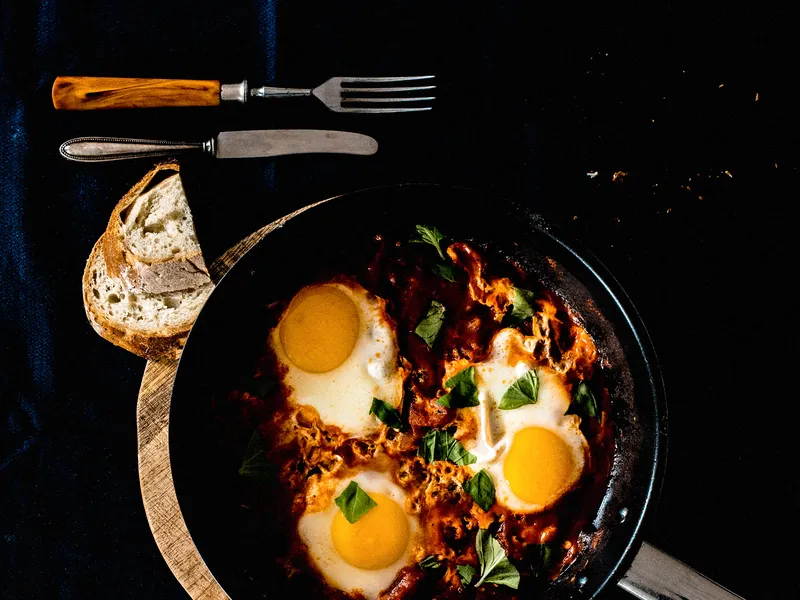
Shakshuka verde€12.50
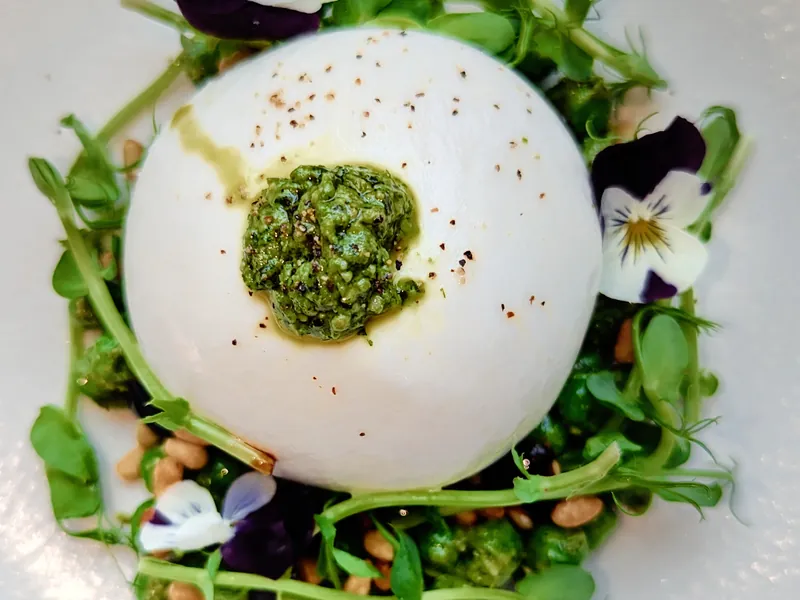
Burrata & peach€14.50
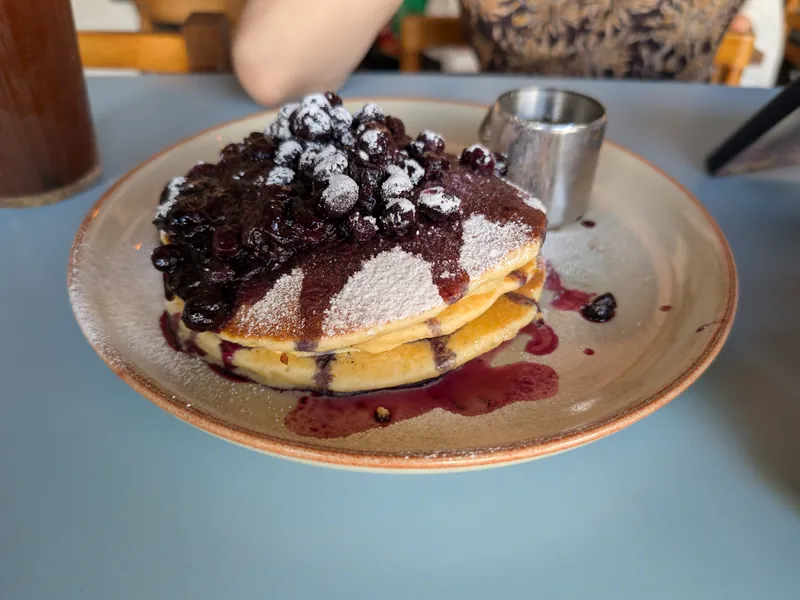
Lemon ricotta pancakes€11.00
Charred hispi cabbage€14.50
Saved to the published menu

02

Publish and print

Publish from the dashboard, then print QR codes for your tables and counters.

Codes keep working when the menu changes

Menu QR

Scan to create your own menu

03

Guests scan and browse

Guests open your menu in their browser. They can search dishes, check prices by size and see what's sold out.

No guest sign-in or download

TKTamarind Kitchen
What are you
craving?
Butter chicken€16.50
Palak paneer€14.00
Garlic naan€4.00

A typical first day

From sign-up to first scan.

  1. 14:00

    Create your account

    Verify your email and set up your restaurant.

  2. 14:20

    Add your dishes

    Group them by category and set prices.

  3. 15:10

    Publish your menu

    Open the guest link and check it on your phone.

  4. 15:40

    Print your QR code

    Place it on tables or near your counter.

  5. 18:00

    Guests browse

    Keep availability up to date as dishes sell out.

Put your menu on the table.

Create your restaurant, add your dishes and publish a menu guests can open with a scan.